

Portraits, without the room
Separate a person from their surroundings for a profile layout, a presentation or a collage. Look around loose hair and the sleeve before placing the cutout in your design.

Remove the background from your image. Keep the subject and download a transparent PNG.
Upload one image. AI separates the subject without a prompt or a selection mask.
Downloads as a transparent PNG · one image at a time.
A product for a new layout. An illustration for a presentation. Remove the surroundings and make room for the subject.
Separate a person from their surroundings for a profile layout, a presentation or a collage. Look around loose hair and the sleeve before placing the cutout in your design.
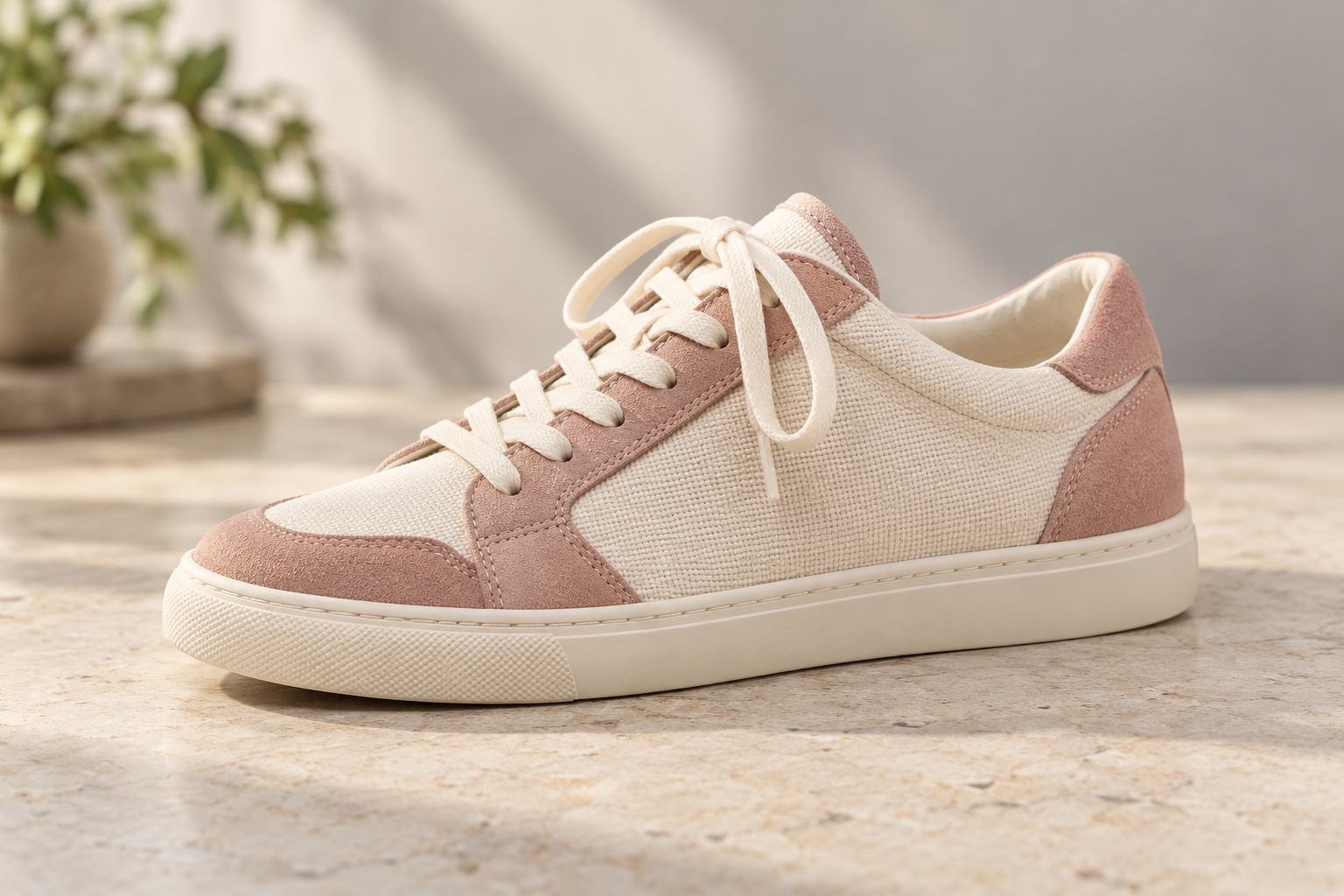
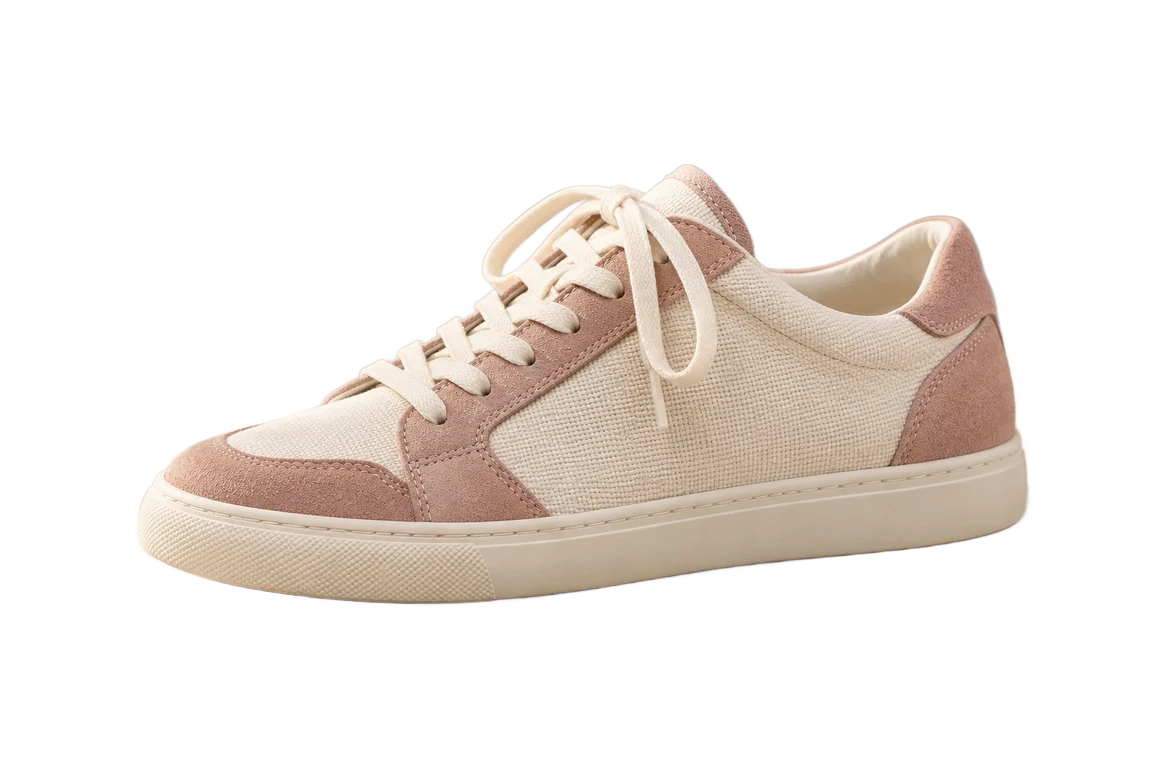
Separate the shoe from its studio setting. Compare the lace loops, suede edge and sole, then inspect the cutout on light and dark backgrounds.
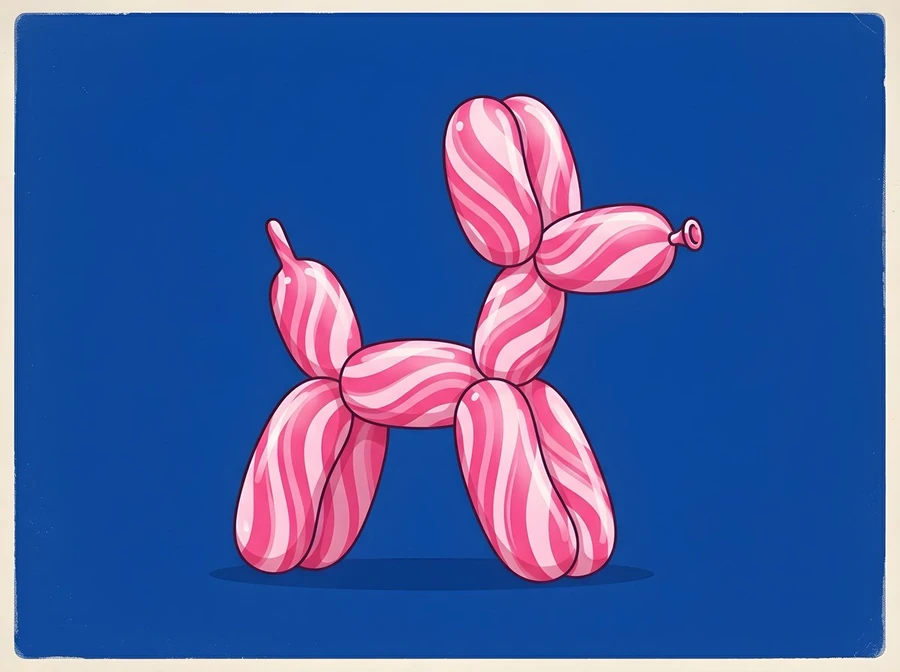
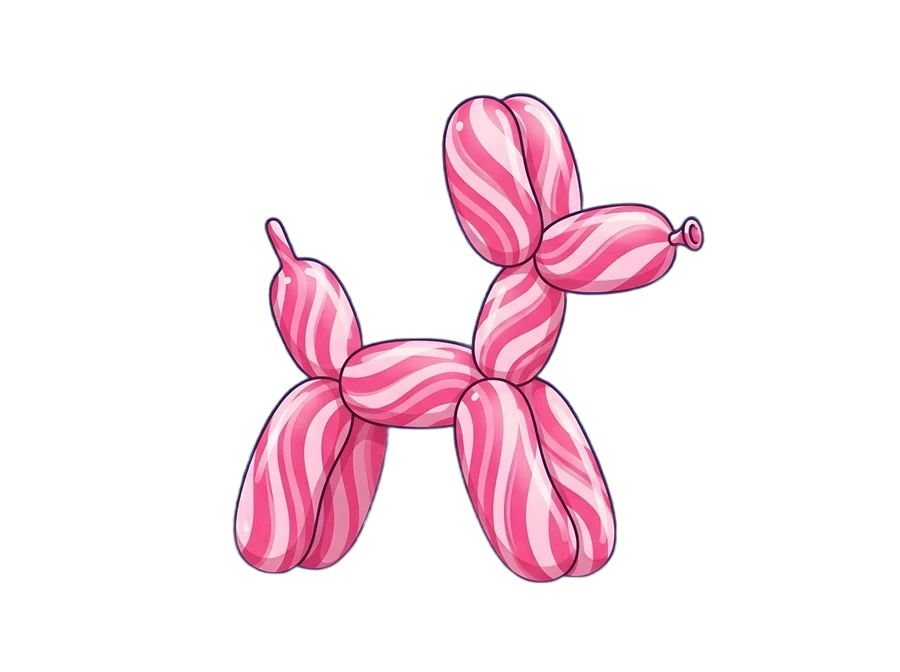
Lift an illustrated subject out of a solid-color scene. The transparent spaces between the legs and ears let the shape sit naturally over another layout.
Original inputs and actual background-removal outputs.
White is a color. Transparency is space. A transparent PNG lets your design show through around the subject, including gaps inside handles and between separate shapes.
Switch the preview to see the same cutout against light and dark. These colors help you inspect the edge; they are not added to your downloaded file.

Preview backdrop only. Download stays transparent.
Start with an image in focus. A person, product or illustrated object that stands apart from the scene gives automatic detection a clearer boundary to follow.
Keep the complete subject inside the frame. Cropped hair, hidden handles and objects touching the image border leave less information for the cutout.
Inspect fine hair, glass and soft shadows. Automatic removal can retain a supporting object or miss a subtle edge. Keep the original if you need to make a manual correction elsewhere.
Choose one JPG, PNG or WebP file up to 5 MB and 25 MP. Start with a clearly visible subject and an image in focus.
Select Remove background. AI detects the foreground without a prompt or manual mask. Credits are checked before the request starts.
Review the cutout around hair, shadows and object edges. Download the transparent PNG and place it into your own design.
Transparency, formats, free credits and edges.
Pimg processes one image to separate the foreground subject from its background. The completed output is a PNG with transparent areas where the background has been removed.
No. Upload an image and select Remove background. This tool detects the subject automatically; it does not provide a manual brush or edge-refinement editor.
No. A white background contains white pixels. A transparent background contains empty areas that show whatever is behind the image in your design. The checkerboard is only a preview convention.
This background-removal workspace downloads PNG to preserve transparency. JPG does not support transparency, so it is not available here.
This page removes the background and exports a cutout. It does not add colors or replacement scenes. Open AI Image Editor if you want to describe a different background with a text prompt.
Free allowances depend on your region and account status. In supported regions, eligible guests can remove backgrounds with a trial allowance. In supported countries, signing in unlocks daily free credits for eligible tools, resetting at midnight America/New_York. In other regions or for higher volume tasks, purchased credits are available. The workspace displays your live balance before processing.
Upload one JPG, PNG or WebP file up to 5 MB and 25 MP. Batch upload is not available in this workspace.
Fine hair, transparent materials, shadows and low-contrast boundaries can be difficult to separate. Inspect the result carefully. The tool does not guarantee perfect edges or provide manual corrections.
Read the displayed error and check that your file is supported. You can select another input and submit again. Credit handling follows the existing task failure rules; check your balance before retrying.
Upload an image and keep the subject you need.