 Before
Hover to compareTap to compare
A clearer view of the moment.
Compare the eyes, loose hair and café textures in this soft portrait.

Improve clarity, reduce noise and bring out detail. Keep your photo’s original dimensions.

Improve clarity and detail. Your photo keeps its original size.
Choose PNG, JPG or WebP when you download.
Clearer edges, cleaner texture and less noise. Your photo keeps its original width and height.
BeforeCompare the eyes, loose hair and café textures in this soft portrait.
 Before
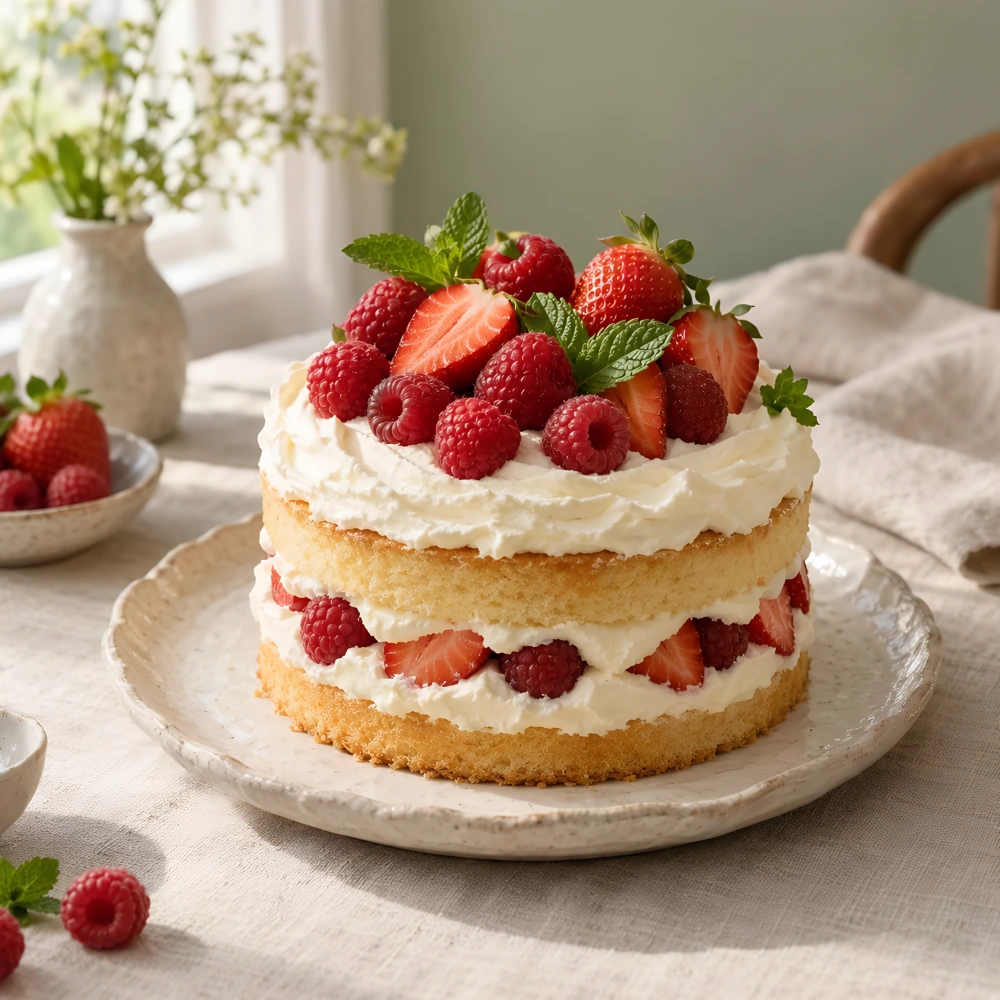
Compare the berry seeds, cream edges and woven linen in this compressed photo.
 Before
Take a closer look at the hair, cap and clothing edges.
Example inputs and actual enhanced results.
Choose a JPG, PNG or WebP up to 5 MB and 4 MP. Use the highest-quality file within these limits.
Choose Free to use available free credits, or Credits to use purchased credits. Select Enhance image to start processing.
Compare the original and enhanced versions, check fine details and download as PNG, JPG or WebP. Keep your original too.
Results, free credits and supported files.
It improves clarity, reduces noise and refines image detail while keeping the original dimensions.
Slightly soft, noisy or compressed photos are a good starting point. Already sharp images may show a smaller change. Compare the result before saving it.
Free credits are available only when you and the selected tool qualify. The workspace shows your available allowance and the credits required before submission. Eligible daily credits reset at midnight in America/New_York. Purchased Credits are available separately.
Upload a JPG, PNG or WebP up to 5 MB and 4 MP. Review the quoted credits before processing.
No. A 512 × 512 image stays 512 × 512. Use Image Upscaler to increase its width and height by 2× or 4×.
Severe blur and missing detail may not be recoverable. This tool is best for mild softness and noise. Fine text and facial features can also change, so compare the result with your original.
Daily free credits refresh at midnight Eastern Time, including daylight saving time. Unused daily credits do not carry over. Purchased credits are separate and are used when you choose Credits.
Your credits are returned once the task is marked as failed. You can then try again.
Save your result as PNG, JPG or WebP. Choose PNG for a lossless image, JPG for easy sharing, or WebP for a smaller web-friendly file.
Upload a photo and compare the enhanced version before you download.