A still life, in words
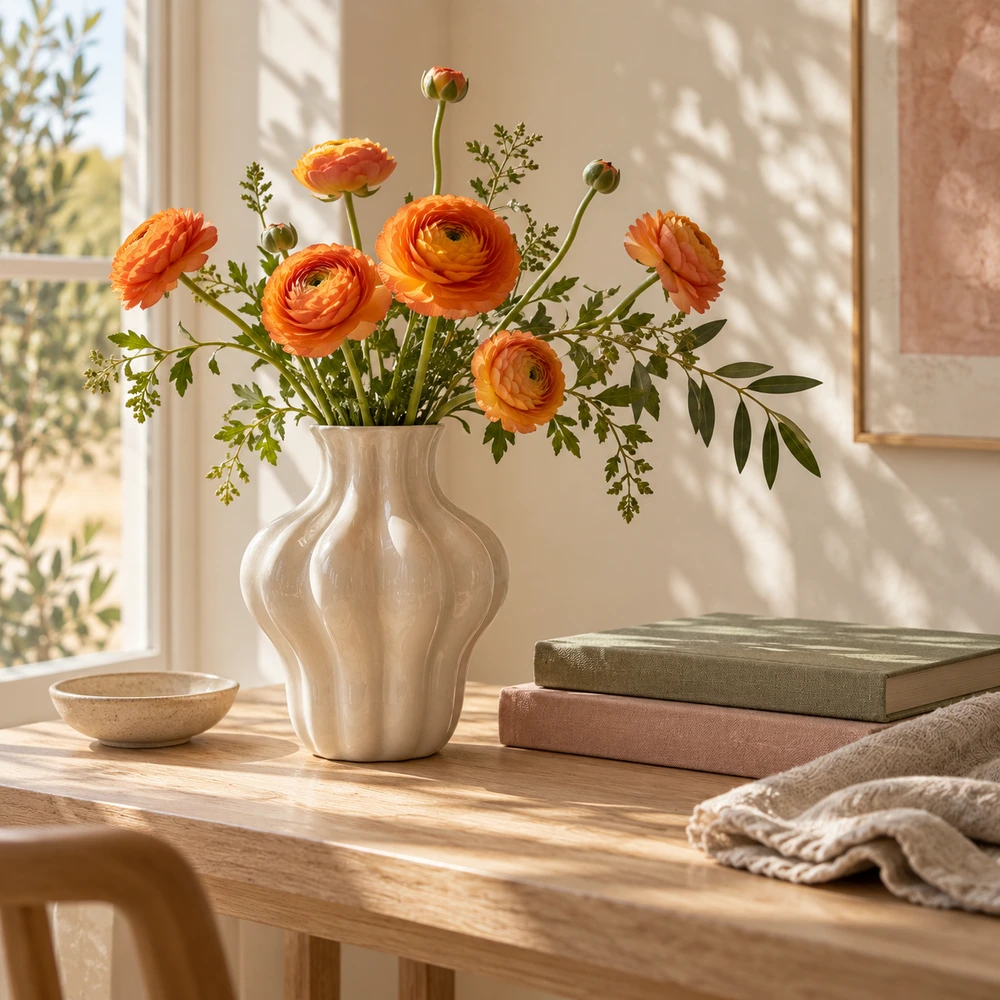
The image shows a wooden table with a white vase on it. The vase is filled with a bunch of orange flowers with green leaves. The flowers are…

Turn an image into a descriptive English prompt. Refine the words, copy the result and start your next image.
Upload a visual reference and generate a descriptive English caption.
English text · copy it or download a TXT file.
Use a visual reference to start a written prompt.
The image shows a wooden table with a white vase on it. The vase is filled with a bunch of orange flowers with green leaves. The flowers are…
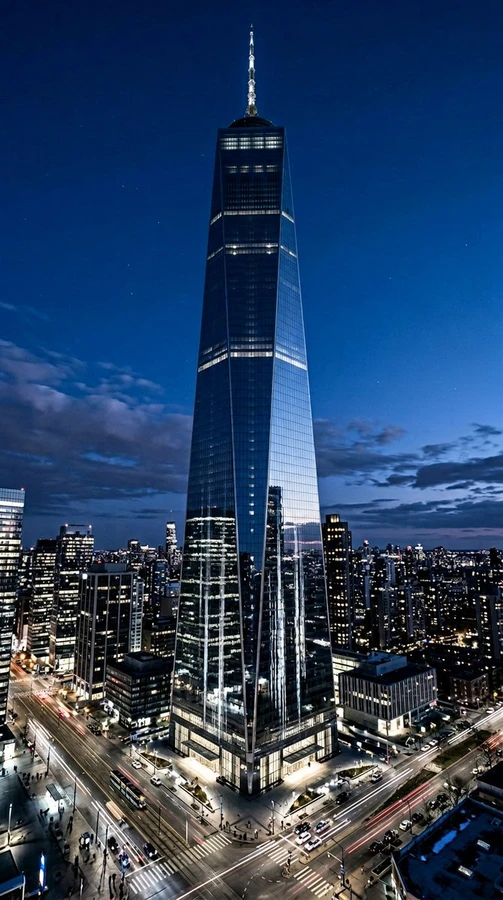
The image is a photograph of the One World Trade Center in New York City at night. The building is a tall, modern skyscraper with a unique…
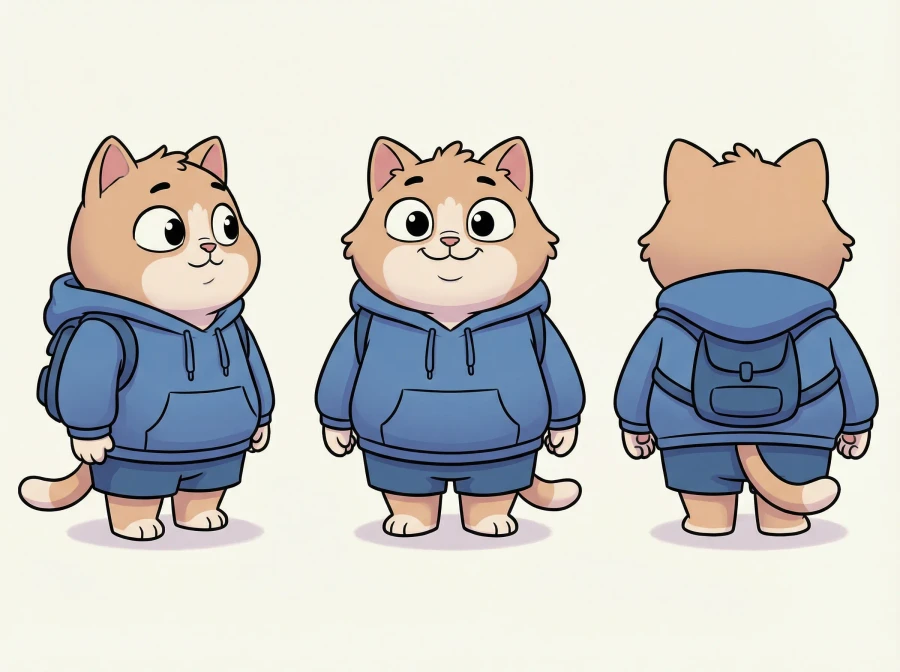
The image shows three cartoon cats standing side by side. The cat on the left is wearing a blue hoodie and shorts, while the cat in the…
Example images and the descriptions Image to Prompt wrote for them.
Choose one JPG, PNG or WebP file up to 5 MB and 25 MP. Use an image with a clearly visible subject, composition or style you want to describe.
Select Generate prompt. AI interprets the image and produces an English caption. Your available free allowance or Credits are checked before processing.
Check the description against the image and edit any inferred details. Copy the text, download a TXT file or bring the revised prompt into Text to Image.
Descriptions, free credits and files.
An image to prompt generator turns a visual reference into a written description. Pimg produces an English caption that can describe the subject, surroundings, composition and visible lighting. You can edit the result before using it as a prompt for an image-generation tool.
No. The tool interprets the visible image; it does not recover a hidden source prompt, model, seed or generation settings. Different prompts can produce similar pictures. Treat the caption as a new starting point rather than the original recipe.
This workspace generates descriptive English text. You can edit the wording in the result field, copy it or download it as a plain-text TXT file. A language selector and automatic translation are not provided here.
Compare named objects, colors, actions and places with your image. AI may infer details that are not visible or repeat a phrase. Remove uncertain claims and add the medium, mood or changes you want for your next image. The output field is editable.
Yes. Copy the description and adapt it to the image tool you use. Pimg also provides Use in Text to Image, which carries your edited text into that workspace without starting a generation. Different models can interpret the same description differently; the caption does not guarantee a matching image.
Free allowances depend on your region and account status. In supported regions, eligible guests can generate descriptive prompts with a trial allowance. In supported countries, signing in unlocks daily free credits for eligible tools, resetting at midnight America/New_York. In other regions or for higher volume tasks, purchased credits are available. The workspace displays your live balance and credit requirements before processing.
Upload one JPG, PNG or WebP file up to 5 MB and 25 MP. Use the file uploader or drag a file onto the upload area. Batch upload, image URL input and PDF upload are not supported in this workspace.
Image to Prompt takes an image and returns text. Image to Image takes a reference image and a written direction to produce a new image. Choose this page to describe a reference, or Image to Image to explore a different visual style or scene.
Read the displayed error and check your file type and size. A lost submission response can be recovered using the same request; it should not require a duplicate generation. Failed tasks follow the existing credit-release rules. Check your balance and the task status before trying another input.
Find the words for it, then make them your own.